
AI + Excel Consultancy
AI-Powered Excel Automation for UK Businesses
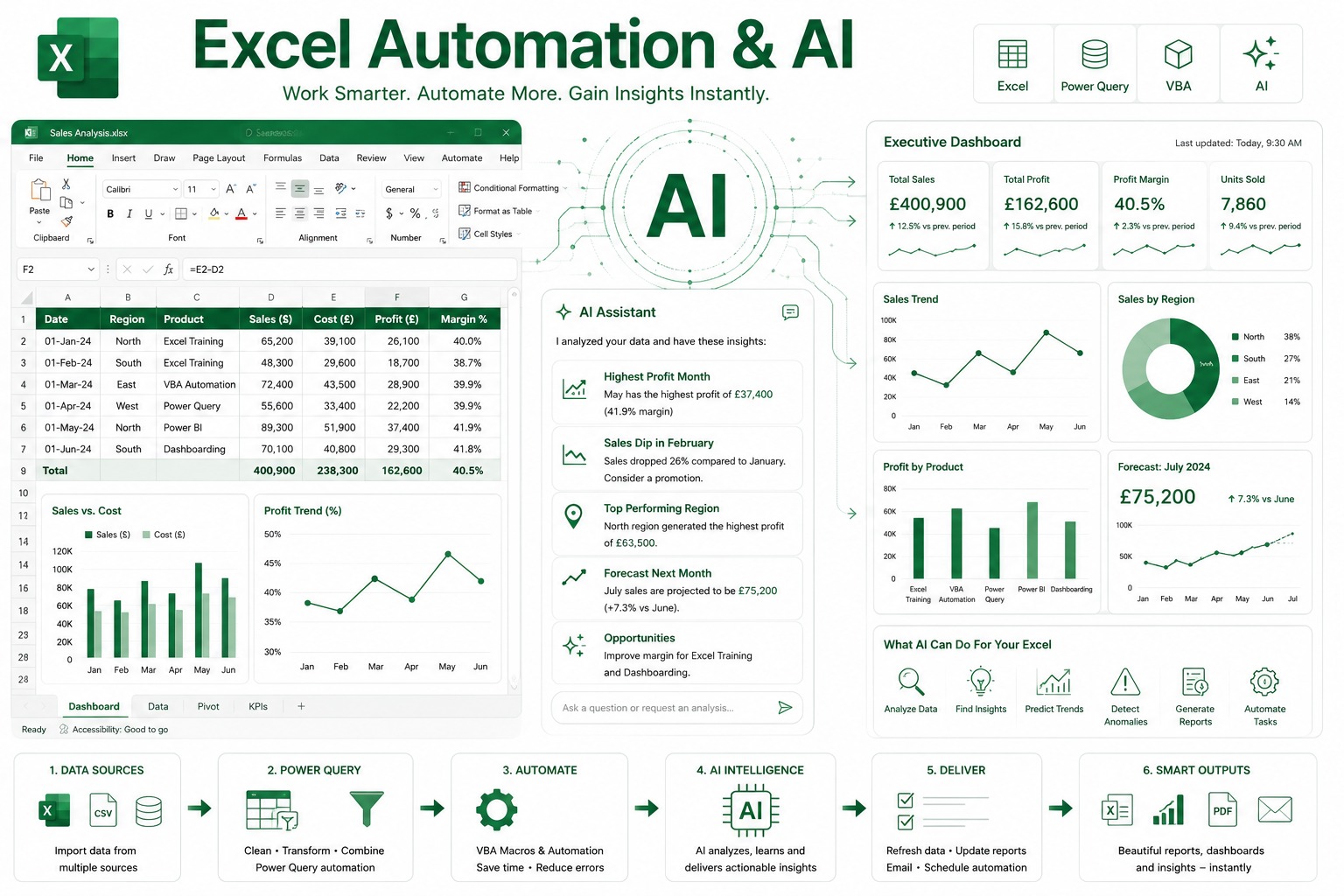
We help organisations use AI safely and practically with Excel, VBA, Power Query and reporting workflows. The aim is simple: faster spreadsheet development, fewer manual errors and better business decisions.
Discuss your Excel AI requirementsHow we can help
AI tools can generate formulas, suggest VBA, explain Power Query and analyse spreadsheet data, but business-critical Excel solutions still need experienced review, testing and implementation.
We work with clients to identify where AI can genuinely save time, then turn those ideas into controlled Excel automation, reporting and data-cleaning processes that are easier to maintain.
- AI-assisted Excel development
- ChatGPT-supported Excel workflows
- Formula, VBA and macro review
- Power Query and M code support
- Copilot-style reporting and workbook analysis
- Safe implementation, testing and validation
Practical AI support for Excel users
We help you choose the right AI tools for the job
Different AI tools are good at different parts of Excel work. We help clients understand which tools are useful, where they fit, and how to use them without creating unreliable spreadsheets or uncontrolled automation.
Claude
Claude is excellent for reviewing VBA projects, refactoring existing code, writing Power Query M, understanding large workbooks and explaining complex formulas.
We can use it to help assess legacy Excel solutions, improve code structure and make workbook logic easier to understand.
Microsoft Copilot
Copilot is strongest when users spend most of their day inside Excel. It can help create formulas from plain English, build PivotTables, create charts and analyse workbooks directly in Microsoft 365.
We can help you design sensible Copilot-style workflows for reporting, analysis and day-to-day spreadsheet tasks.
ChatGPT
ChatGPT is highly versatile for VBA generation, custom Excel functions, Power Query, SQL generation and Excel training content.
For Excel VBA consultancy and training, it is one of the strongest all-round tools when combined with expert review.
AI tools specifically for Excel consultants and business teams
Alongside the better-known AI assistants, there are several specialist tools worth investigating for spreadsheet automation, reporting and data analysis. We can help you evaluate these tools and decide whether they are useful for your business.
- GPTExcel — generates formulas, VBA, SQL and regular expressions.
- Numerous.ai — adds AI functions directly inside spreadsheets.
- Powerdrill — supports natural-language analysis of spreadsheet data.
- Anomaly AI — focuses on business data analysis.
- Elyx AI — supports Excel-specific automation and formula generation.
- Julius AI — useful for data analysis, reporting and visualisation.
Our recommended shortlist
For most Excel VBA, Power Query and reporting projects, we would not recommend choosing an AI tool in isolation. The right approach depends on the workbook, the data, the risk level and the people who need to maintain the solution.
For Excel VBA training, consultancy and automation work, we would usually start by testing Claude and ChatGPT together. They complement each other well for VBA, Power Query and Excel automation tasks.
What clients can use this for
- Improving slow or fragile Excel VBA workbooks
- Generating and checking formulas, macros and custom functions
- Automating repetitive reporting and data-cleaning tasks
- Using Power Query more effectively with AI-assisted development
- Creating better training notes, user guides and workbook documentation
- Reviewing AI-generated code before it is used in a real business process
Our role as your consultancy
We do not simply paste AI-generated code into a workbook and hope it works. We combine AI assistance with practical Excel development experience, structured testing and clear documentation.
This gives you the speed benefits of AI while keeping control of quality, security, maintainability and business accuracy.
AI for Excel training and adoption support
We also train teams to use ChatGPT, Claude, Microsoft Copilot and specialist Excel AI tools effectively. Training can cover formulas, VBA, Power Query, workbook analysis, spreadsheet auditing, documentation and safe governance.
Practical, business-focused delivery
We focus on usable solutions rather than over-engineered systems. The aim is to save time, reduce errors and make spreadsheet-led work easier to run, support and improve.